
Morgan County VINE Arrest Coverage
Ohio VINE is the state's own custody-notification service. Anyone can reach it through VINELink. The Ohio Attorney General pitches it as a free tool for victims and residents to check custody status and sign up for change notices. Data comes from participating jails, prisons, and juvenile facilities. Participation is not completeness. No jail promises every event arrives. Neither the Morgan County Sheriff nor Southeastern Ohio Regional Jail posts a local VINE deployment notice. That silence matters here. SEORJ is the regional booking hub for Morgan, Athens, Hocking, Perry, and Vinton Counties, yet its roster link says nothing about which entries get transmitted to VINE. So search statewide, then narrow by county or facility using the options the live screen offers. A Morgan or SEORJ match works as a custody record; no match means calling the facility rather than guessing.
Check Morgan County Arrests on VINELink
Start with detail that separates people sharing a name. VINELink usually offers a name search plus a facility or ID route, depending on the screen. An ID is the stronger key. The JDS regional roster keys on a Jail ID, while VINE may use a facility or offender identifier. Different numbers do not mean conflicting records.
- Open VINELink and choose Ohio as the state.
- Select Morgan County or the relevant SEORJ facility entry if the interface offers it.
- Enter the person's full name or the facility or identification number shown by the service.
- Compare every close match using the available identity, facility, and custody details.
- Open the matching record and note the status, facility, event information, and record identifier.
- Use the notification action on that record if alerts are needed.
Several matches demand care. A familiar name alone identifies no one. Compare the custody location and every other detail the live result shows. Remember that the regional jail holds people from five counties. A facility match alone never proves a Morgan County arrest. The JDS roster's Arresting Agency field fills in that gap, and the arresting agency or court remains the authority on the booking record and what followed. The VINELink state screen shows the custody-search interface.
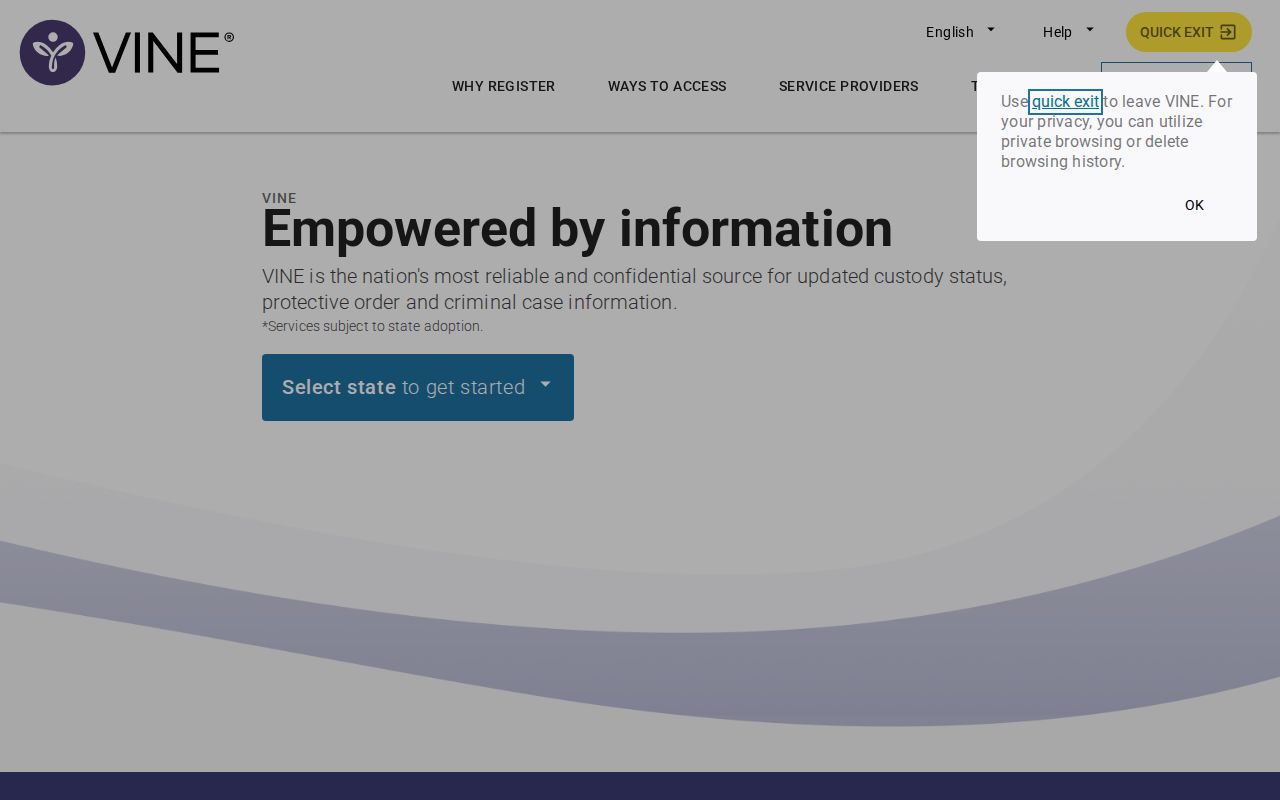
The screen is built for one person's status. It is not a browseable list of Morgan County arrests.
Morgan County VINELink Result Fields
A VINELink result answers custody questions. It does not copy the full SEORJ booking sheet. Displays vary by agency and record. Official Ohio material supports the core functions, but nothing promises that a Morgan County result will include every field, a photo, full charge history, or a final court outcome. Treat the result as a status snapshot, not a case file.
| Result item | How to read it |
|---|---|
| Name or identity details | Use them to distinguish close matches; do not rely on a name alone. |
| Custody status | The status reported by the participating system at the time of its latest data. |
| Facility | The reported place of custody, which may change after a transfer. |
| Record or offender ID | An identifier useful for reopening the correct result or asking for support. |
| Event information | Release, transfer, escape, or death events may support county-jail notices. |
| Notification option | The control used to register contact details for that specific record. |
JDS fields go far deeper than VINE. Its roster can show Jail ID, charges, court, disposition, total bail, book date, attorney, next court date, SID, Arresting Agency, and a photo. VINELink keeps its focus on status and notice. Neither tells the whole story. The issuing Morgan County or other court remains the source for case disposition.
Register Morgan County Custody Alerts
Registration starts inside the matched record. That matters. An alert on the wrong person causes needless worry. Ohio describes phone, email, text, and TTY routes, though the live options depend on the service and record. Keep the confirmation details handy, and update them whenever a phone number or email changes.
- Open the correct VINELink record and choose its notification action.
- Select an offered delivery route such as phone, email, text, or TTY.
- For phone registration, enter the telephone number and create a four-digit PIN.
- For email registration, enter the address shown by the interface; a phone PIN is not used for email.
- Review the event types and complete each on-screen confirmation step.
- Save the confirmation and PIN privately, then test or update the registration if the service offers that option.
Phone alerts are persistent. The system calls and repeats the status message until the recipient confirms it with a PIN. Guard that PIN. Email delivers the status-change notice to the registered address, while text and TTY options should be checked on the current screen. Ohio says county-jail notices can cover release, transfer, escape, or death, and state-system events may add parole-hearing information. The VINELink registration screen shows the alert-signup interface.
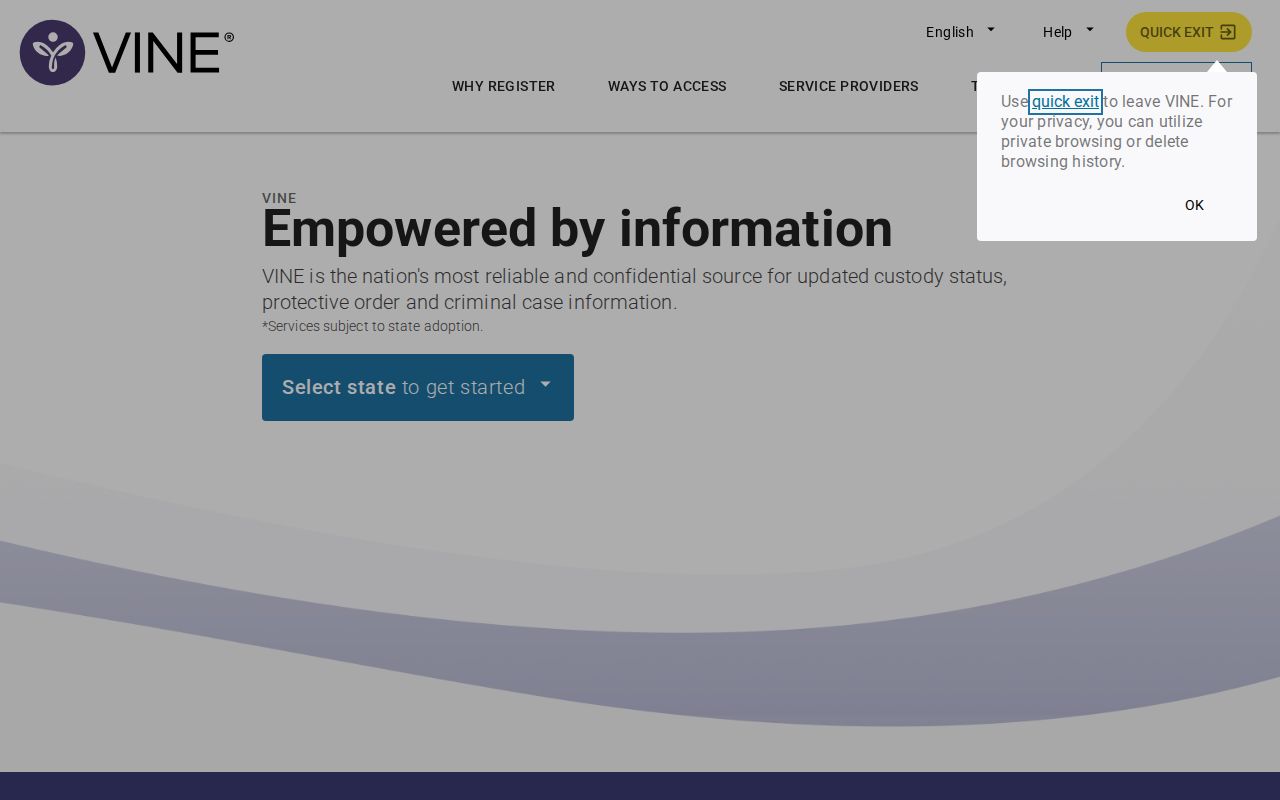
Because the form opens from a record, matching the person comes first. Registering for that exact custody entry comes second.
VINE Versus Morgan County CodeRED
VINE and CodeRED both send messages. Their jobs differ completely. Ohio VINE handles custody status. Morgan County's CodeRED page covers emergency and general public notices such as evacuations, outages, water breaks, fires, floods, and chemical spills. It advertises no inmate searches, booking photos, release alerts, court dates, or warrant notices. That distinction saves people from a dead end. County emergency messages never become a notification tied to a person in custody. Use VINELink's notification action on a matched record, and leave CodeRED to public safety. The sheriff lists no arrests app. No verified sheriff social account serves as a booking or custody feed.
Verify Morgan County VINE Results
VINE is only one link in the custody chain. Its data can lag a new booking. Morgan County and SEORJ participation was never locally confirmed, so treat an empty result with caution. A miss does not prove an arrest never happened. Nor does it show release or a move outside the regional jail. For a fresh event, turn to the Arrested Today guidance and the JDS SEORJ roster. Check the roster's Book Date and Arresting Agency. If the two systems disagree, call SEORJ at 740-753-4060.
VINE routes service questions through 1-800-770-0192. TTY access appears in the official brochure as 1-866-847-1298. The Ohio Attorney General offers one firm warning. No one should rely on VINE alone for safety. If a notice could shape an immediate safety plan, verify with law enforcement or the holding facility and use emergency services when appropriate.
Write down when the search ran and which Ohio facility option was used. Staff tracing a missing Morgan County record will want the full name, an approximate booking date, and any JDS Jail ID. Do not guess at an offender number. Ask instead whether the facility is reporting that record to VINE now, and when its last status event arrived. That question works better than asking if the county "is on VINELink," since participation and record transmission can differ. Keep the reply with your search notes. Then recheck the official roster before drawing any conclusion.
Morgan Arrest Custody Boundaries
Each system covers one stage. A just-booked person lands first on the SEORJ and JDS current-custody path. Someone later sentenced or committed to Ohio state custody may surface in the Department of Rehabilitation and Correction offender search. Federal custody calls for the Bureau of Prisons locator. Immigration detention means the ICE Online Detainee Locator. VINE makes no promise of federal coverage.
Release changes the picture too. A name can drop off the live regional roster while the Sheriff's arrest report, the SEORJ booking record, and the court docket all survive under their own retention and access rules. VINELink is neither a historical arrest archive nor a court-disposition service. When the question is what became of the charge, go to Morgan County Court, Common Pleas CourtView, or the issuing Mayor's Court. Each outlet keeps its own access rules. The arrest record and the court file answer different questions.
Public Record Search
Sponsored Results